AI Image Editor: Create Effective Content Fast
Edit any photo directly in your browser using AI — remove unwanted objects, swap backgrounds, sharpen blurry shots, and retouch portraits without a Canva Pro subscription or Photoshop licence. ToolXP's free AI photo editor loads instantly, needs no signup, and delivers pro-quality results for every edit type in seconds.
Upload an image to edit with AI tools
Drag and drop or click to upload
Supports JPG, PNG, WebP, HEIC
After uploading, choose an AI effect to apply:
Got the result? Now turn that video into viral Shorts
ToolXP Clips auto-clips the best moments with AI captions
How to use AI Image Editor
Three simple steps to get professional-grade results. Our AI handles the heavy lifting so you can focus on what matters.
Upload your photo
Drop any JPG, PNG, or WebP image up to 25MB into the editor. It loads directly in the browser — no software install, no account, and no file size restriction below 25MB.
Choose your edit type
Select from background removal, object erasure, image enhancement, portrait retouching, or colour correction. Each edit type uses a dedicated AI model optimised for that specific task.
Download your edited photo
Preview the result in real time. Download as PNG or JPEG at full original resolution — no watermark, no sneaky credit deduction, no resolution capping on the free tier.
AI Image Editor Features
The more detail you add, the more control you'll have over the final output. Use a mix of the elements below to create results that better reflect your imagination.
How others are using AI Image Editor — real results from real creators.
Cleaning Up Real Estate Photos
Use the object eraser to remove cars from driveways, bins from front gardens, and clutter from kitchen counters before listing a property on Rightmove or Zillow — without hiring a photo retoucher.
Result: Family car and wheelie bin removed from front garden driveway in 8 seconds
Result: Home office headshot → clean grey-background portrait with sharpened facial detail
Preparing Professional Headshots
Remove the background from a headshot taken at home or in a messy office, add a clean neutral background, then sharpen the portrait. Professional LinkedIn photo quality without a studio booking.
Turn any long video into viral Shorts
ToolXP Clips uses AI to find the best moments, add captions, and export vertical clips. Free to start.
Tips for better AI Image Editor results
Get the most out of AI Image Editor with these practical tips from our team and power users.
Who uses AI Image Editor
From solo creators to marketing teams, AI Image Editor fits into every content workflow.
How AI Image Editor compares
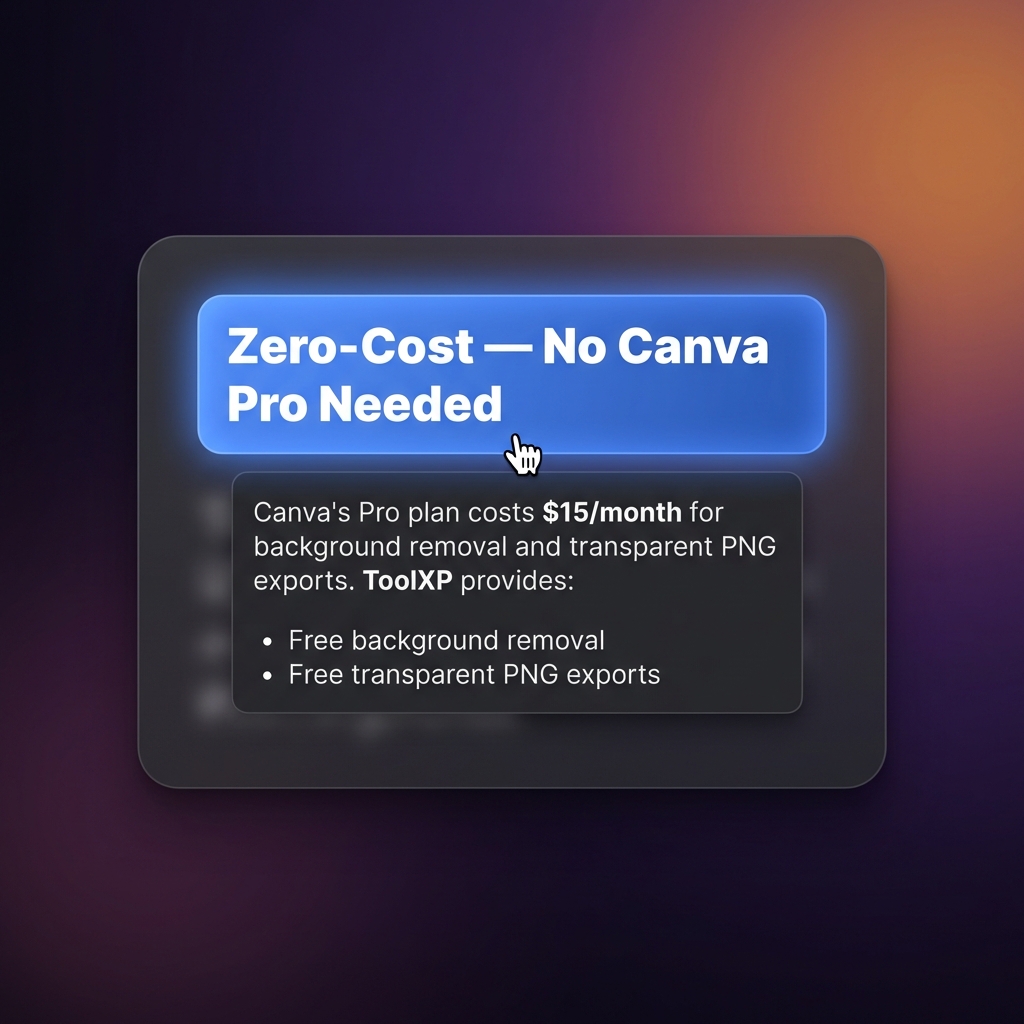
See why creators choose ToolXP over other options. We offer faster processing, better output quality, and zero cost — no strings attached.
Try it free| Feature | ToolXP | Canva (Pro features) | Adobe Photoshop |
|---|---|---|---|
| Price | Free | $15/mo — required for background removal and transparent PNG | $20.99/mo (standalone) |
| Signup required | |||
| AI-powered | |||
| Export quality | HD / 4K | HD | Full res |
| Batch processing | |||
| Commercial use |
Want the full suite? Try ToolXP Clips
AI auto-clipping • Animated captions • 2K export • No watermark (Pro) • Starting free
What creators say
Real use cases from creators using AI Image Editor in their workflow.
I was paying $15 a month for Canva Pro just to get background-free PNGs for my shop listings. ToolXP does the same thing free and I can remove the backgrounds and touch up the product in the same session. Cancelled my Canva subscription immediately.
Clients always want bin day cleaned up from their driveway photos. I used to do it manually in Photoshop which took ten minutes per photo. ToolXP removes objects in about eight seconds and the fill looks natural on plain concrete driveways. Total time saver for batch listing work.
Frequently asked questions
Everything you need to know about AI Image Editor. If you have additional questions, reach out to our support team.
Contact supportMore tools
Explore our other free utilities designed for content creators.
Start using AI Image Editor
Discover what's possible when AI meets your creativity.