AI Image Upscaler: Create Effective Content Fast
Upscale blurry, low-resolution images to 2× or 4× their original size using AI. Paste or upload your image and the neural network rebuilds missing detail in seconds — no watermark, no account, no software install. Ideal for photographers enlarging old scans, designers preparing assets for print, and creators scaling screenshots for HD presentations.
Upload an image to upscaler it with AI
Drag and drop or click to upload
Supports JPG, PNG, WebP, HEIC
Got the result? Now turn that video into viral Shorts
ToolXP Clips auto-clips the best moments with AI captions
How to use AI Image Upscaler
Three simple steps to get professional-grade results. Our AI handles the heavy lifting so you can focus on what matters.
Upload your low-res image
Drag and drop or click to upload a JPG, PNG, or WebP file. The upscaler accepts images up to 10MB and processes them directly in the browser without sending files to external third-party servers.
Select your scale factor
Choose 2× for minor resolution boosts or 4× for full HD upscaling. The AI model analyses pixel density and rebuilds missing edge detail rather than simply stretching the image.
Download your 4K result
Preview the side-by-side comparison before downloading. Your upscaled image downloads as a clean PNG with no watermark applied — ready for print, publishing, or further editing.
AI Image Upscaler Features
The more detail you add, the more control you'll have over the final output. Use a mix of the elements below to create results that better reflect your imagination.
How others are using AI Image Upscaler — real results from real creators.
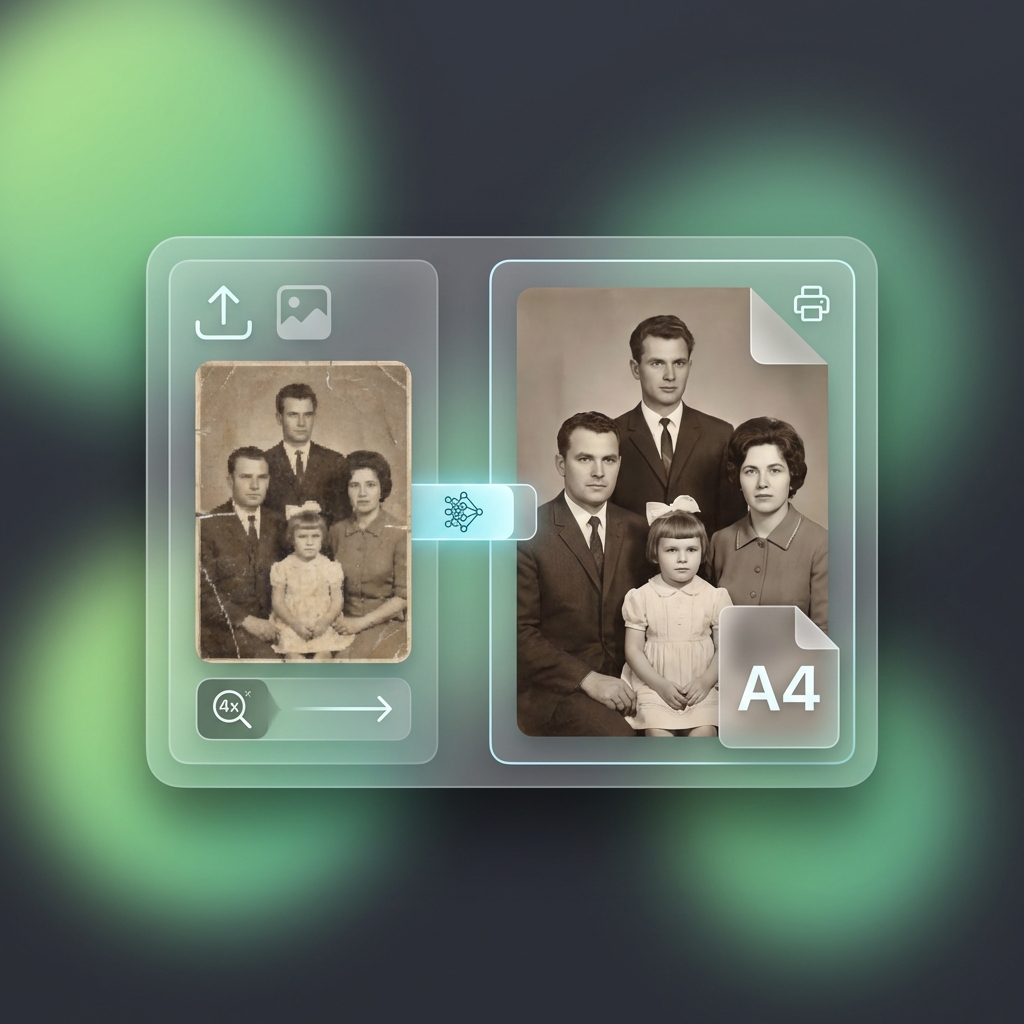
Enlarging Old Family Photos for Print
Upload a low-res JPEG scan of an old family photo and upscale 4× to generate a print-ready file at A4 size. The AI reconstructs facial detail that a simple resize in Photoshop would blur irreparably.
Use case: 800×600px scanned family photo → 4× upscale → 3200×2400px A4 print-ready PNG
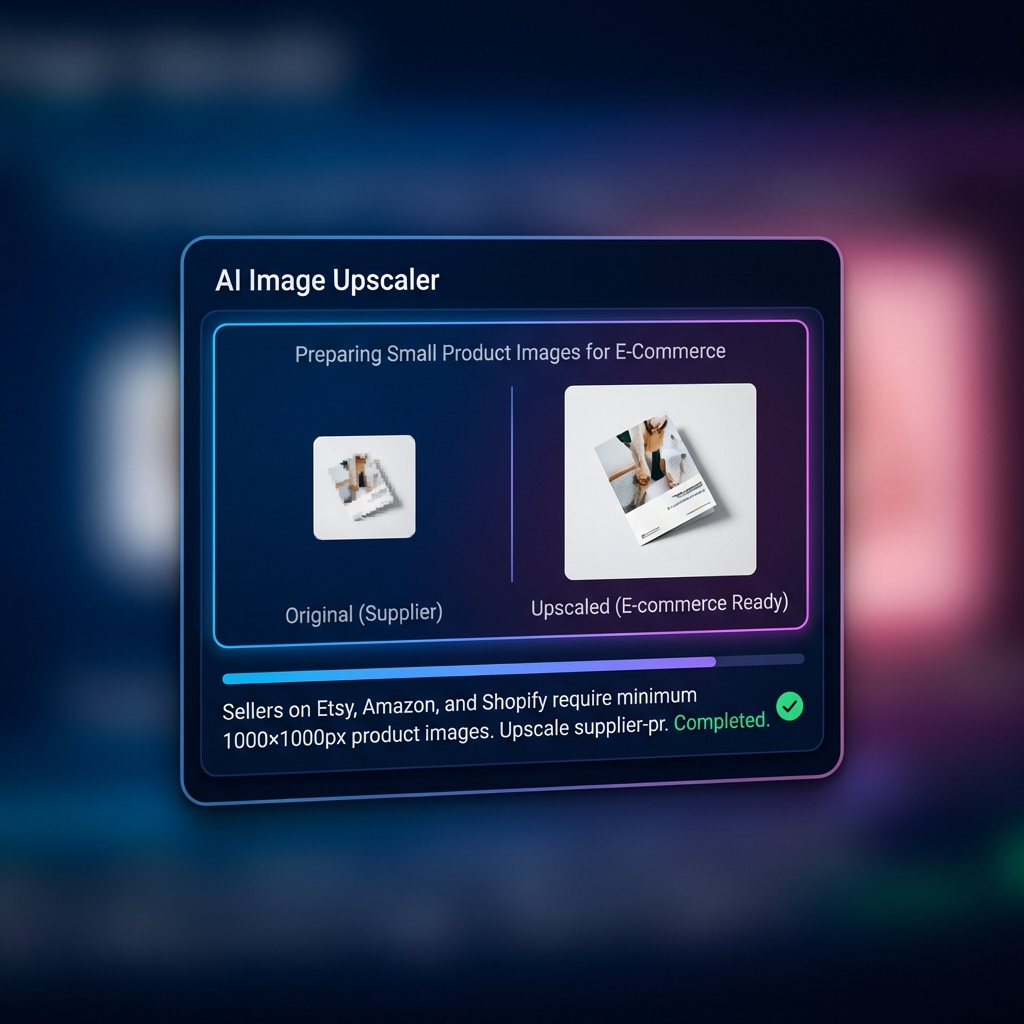
Use case: 400×400px supplier product image → 2× upscale → 800×800px (meets Amazon minimum)
Preparing Small Product Images for E-Commerce
Sellers on Etsy, Amazon, and Shopify require minimum 1000×1000px product images. Upscale supplier-provided low-res product shots to meet platform requirements without sourcing new photography.
Turn any long video into viral Shorts
ToolXP Clips uses AI to find the best moments, add captions, and export vertical clips. Free to start.
Tips for better AI Image Upscaler results
Get the most out of AI Image Upscaler with these practical tips from our team and power users.
Who uses AI Image Upscaler
From solo creators to marketing teams, AI Image Upscaler fits into every content workflow.
How AI Image Upscaler compares
See why creators choose ToolXP over other options. We offer faster processing, better output quality, and zero cost — no strings attached.
Try it free| Feature | ToolXP | Let's Enhance | BigJPG |
|---|---|---|---|
| Price | Free | Free (watermarked); $9/mo for no watermark | Free (blurred result); $2.99/image full download |
| Signup required | |||
| AI-powered | |||
| Export quality | HD / 4K | High quality | Blurred free tier |
| Batch processing | |||
| Commercial use |
Want the full suite? Try ToolXP Clips
AI auto-clipping • Animated captions • 2K export • No watermark (Pro) • Starting free
What creators say
Real use cases from creators using AI Image Upscaler in their workflow.
I had a client's old family photos — scanned at 600px wide — to print for a 50th anniversary. Let's Enhance put a watermark on the free result. ToolXP upscaled the same image clean, no watermark, immediately. Printed at A4 with clear facial detail. Saved the project.
Amazon kept rejecting my product listings because the supplier-provided images were 400×400px. Ran them through ToolXP's 2× upscaler — all passed Amazon's 1000px minimum requirement with no blurring. Didn't have to re-photograph a single product.
Frequently asked questions
Everything you need to know about AI Image Upscaler. If you have additional questions, reach out to our support team.
Contact supportMore tools
Explore our other free utilities designed for content creators.
Start using AI Image Upscaler
Discover what's possible when AI meets your creativity.
Use AI Image Upscaler
Upscale blurry, low-resolution images to 2× or 4× their original size using AI. Paste or upload your… No signup required.
GoCreate viral Shorts with Clips
AI-powered long-to-shorts clipper. Auto-find best moments, add captions, export in vertical. Free to start.
Start clipping