YouTube Thumbnail Downloader: Create Effective Content Fast
Download any YouTube video thumbnail in HD, Full HD, or 4K by pasting the video URL — no signup, no watermark, no file limit. The exact image YouTube displays on search results and home feeds downloads instantly as a full-resolution JPG or PNG. Works for regular videos, YouTube Shorts, and live streams.
Paste video URL to get all thumbnail sizes
Got the result? Now turn that video into viral Shorts
ToolXP Clips auto-clips the best moments with AI captions
How to use YouTube Thumbnail Downloader
Three simple steps to get professional-grade results. Our AI handles the heavy lifting so you can focus on what matters.
Paste the YouTube video URL
Copy any YouTube video URL from the address bar, the share button, or the YouTube app. Paste it into the input field above and click Download.
Select your resolution
Choose from SD (320×180), HD (1280×720), Full HD (1920×1080), or 4K (3840×2160) where available. Not all videos have every resolution available — the tool shows only what YouTube has stored for that specific video.
Save the thumbnail image
Click the download button for your chosen resolution and the exact thumbnail image saves directly to your device. No redirect, no ad popup, no signup wall between you and the file.
YouTube Thumbnail Downloader Features
The more detail you add, the more control you'll have over the final output. Use a mix of the elements below to create results that better reflect your imagination.
How others are using YouTube Thumbnail Downloader — real results from real creators.
Competitor Thumbnail Research
Paste URLs from the top 10 ranking videos in your niche and download all their thumbnails at once. Study which colour palettes, face expressions, and text overlay styles correlate with high click-through rates on your topic.
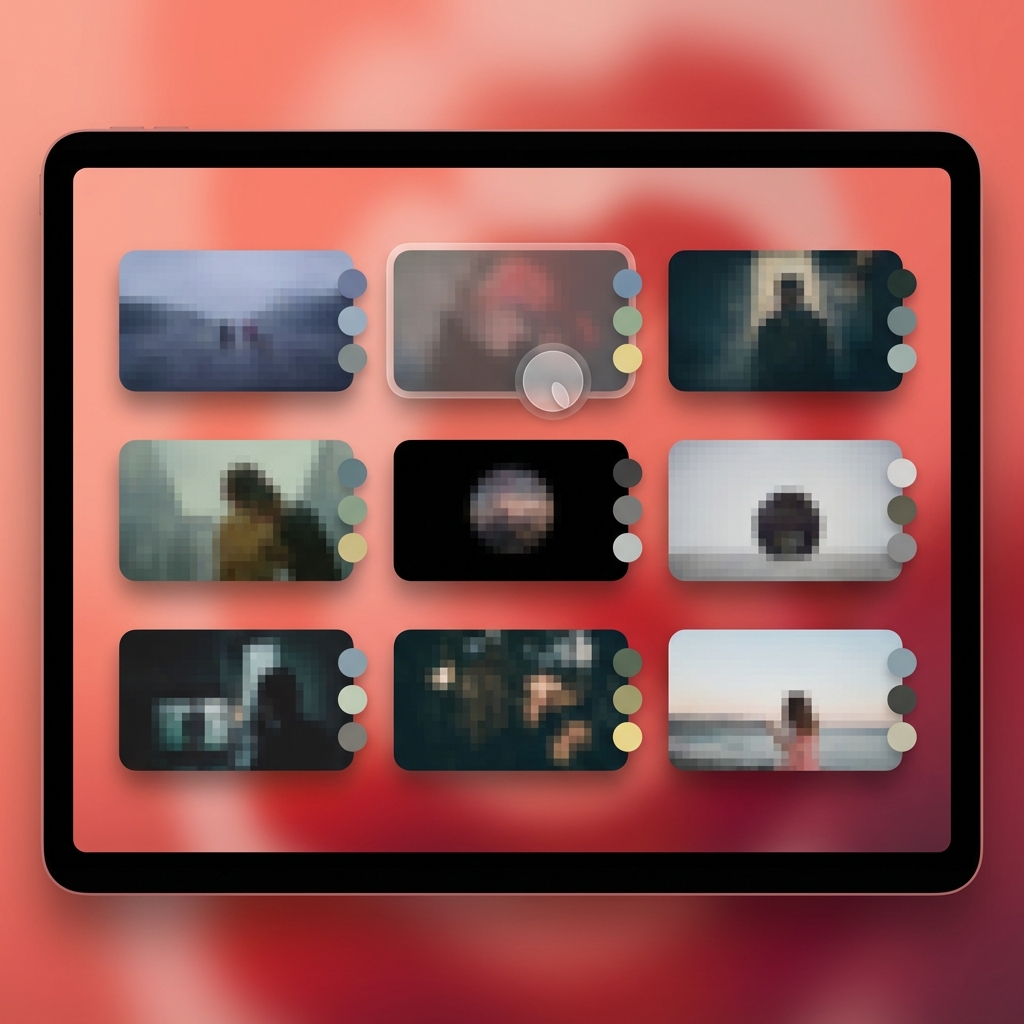
Use case: Paste 10 competitor video URLs → download ZIP of all thumbnails for side-by-side comparison

Use case: Recover custom thumbnail from a published video when original source file is missing
Retrieving Your Own Missing Thumbnail
If you deleted the original thumbnail file from your computer, paste the video URL and recover the exact version currently live on YouTube in its original resolution — without navigating YouTube Studio's creator dashboard.
Turn any long video into viral Shorts
ToolXP Clips uses AI to find the best moments, add captions, and export vertical clips. Free to start.
Tips for better YouTube Thumbnail Downloader results
Get the most out of YouTube Thumbnail Downloader with these practical tips from our team and power users.
Who uses YouTube Thumbnail Downloader
From solo creators to marketing teams, YouTube Thumbnail Downloader fits into every content workflow.
How YouTube Thumbnail Downloader compares
See why creators choose ToolXP over other options. We offer faster processing, better output quality, and zero cost — no strings attached.
Try it free| Feature | ToolXP | YouTubeeThumbnail.com | SaveFrom.net |
|---|---|---|---|
| Price | Free | Free (ad-heavy, max HD resolution) | Free (redirects to browser extension install) |
| Signup required | |||
| AI-powered | |||
| Export quality | HD / 4K | HD only | SD/HD only |
| Batch processing | |||
| Commercial use |
Want the full suite? Try ToolXP Clips
AI auto-clipping • Animated captions • 2K export • No watermark (Pro) • Starting free
What creators say
Real use cases from creators using YouTube Thumbnail Downloader in their workflow.
I accidently deleted the original PSD and the exported thumbnail for one of my most popular videos. Found ToolXP, pasted the URL, and downloaded the Full HD version in about 10 seconds. Saved me from redesigning it from scratch for the new version of the video.
I manage content calendars for three YouTube channels. I use ToolXP to download competitor thumbnails in batch for our monthly competitive analysis reports. Other tools either cap at HD or redirect you to browser extension installs. This one just works and downloads cleanly at 4K.
Frequently asked questions
Everything you need to know about YouTube Thumbnail Downloader. If you have additional questions, reach out to our support team.
Contact supportMore tools
Explore our other free utilities designed for content creators.
Start using YouTube Thumbnail Downloader
Discover what's possible when AI meets your creativity.
Use YouTube Thumbnail Downloader
Download any YouTube video thumbnail in HD, Full HD, or 4K by pasting the video URL — no signup, no … No signup required.
GoCreate viral Shorts with Clips
AI-powered long-to-shorts clipper. Auto-find best moments, add captions, export in vertical. Free to start.
Start clipping