YouTube Transcript Downloader: Create Effective Content Fast
Download the full text transcript of any YouTube video in seconds — paste the URL, choose your format, and get a clean text or SRT subtitle file instantly. Works on auto-generated captions and creator-uploaded subtitles in any language. No account, no extension, no signup required.
Paste video URL and select language
Got the result? Now turn that video into viral Shorts
ToolXP Clips auto-clips the best moments with AI captions
How to use YouTube Transcript Downloader
Three simple steps to get professional-grade results. Our AI handles the heavy lifting so you can focus on what matters.
Paste the YouTube video URL
Copy any YouTube video URL and paste it into the input above. Works with all formats: standard video URLs, Shorts URLs, and youtu.be short links.
Select language and format
If the video has multiple caption tracks, choose your preferred language. Then select your output format: plain TXT with timestamps removed, SRT for subtitle use, or VTT for web embedding.
Download the transcript file
Your transcript file downloads immediately to your device. Open it in any text editor, import into Google Docs, or paste directly into your blog post or repurposing workflow.
YouTube Transcript Downloader Features
The more detail you add, the more control you'll have over the final output. Use a mix of the elements below to create results that better reflect your imagination.
How others are using YouTube Transcript Downloader — real results from real creators.
Repurposing Video Content into Blog Posts
Download the transcript from one of your own YouTube videos, paste it into ChatGPT or Google Docs, and reshape the content into an SEO article. Turns a single 15-minute video into a 1,500-word blog post in under ten minutes.
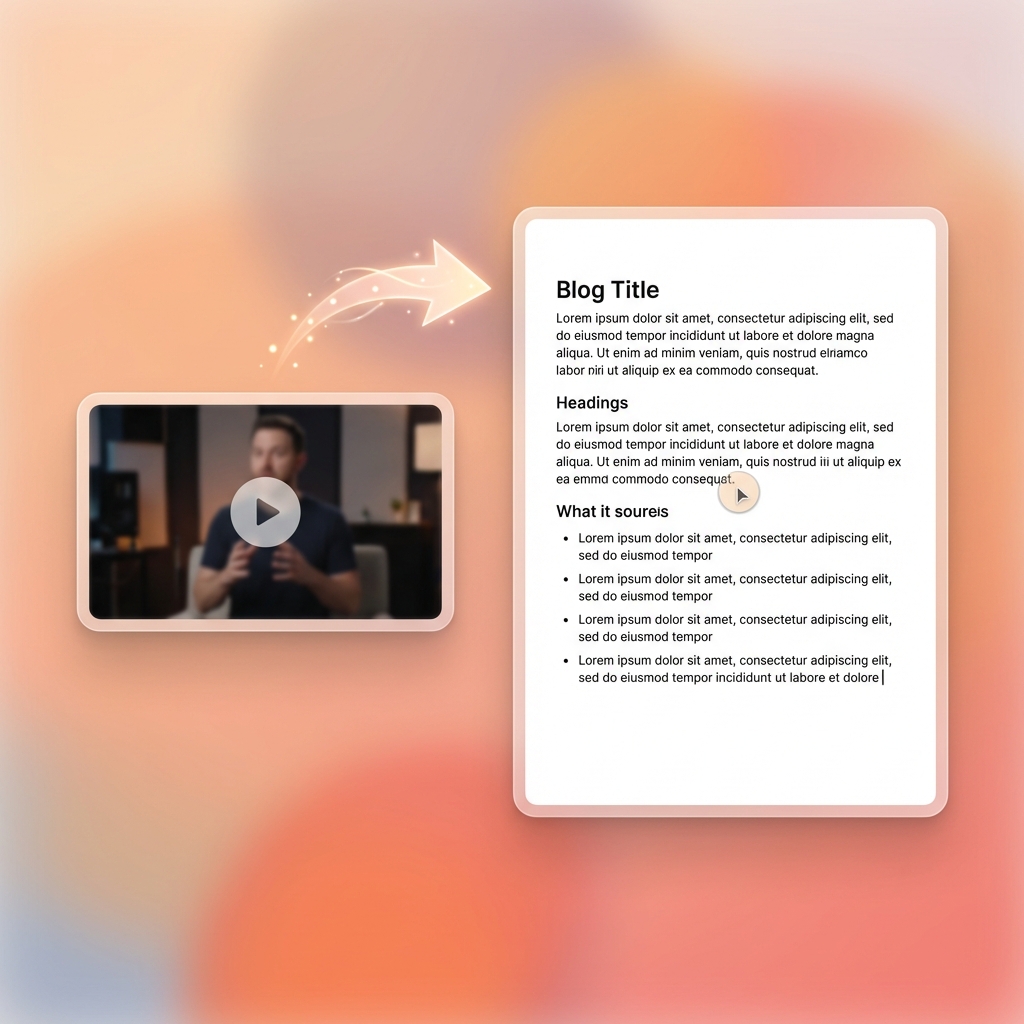
Use case: 15-minute tutorial YouTube video → blog post draft in TXT format, ready for editing
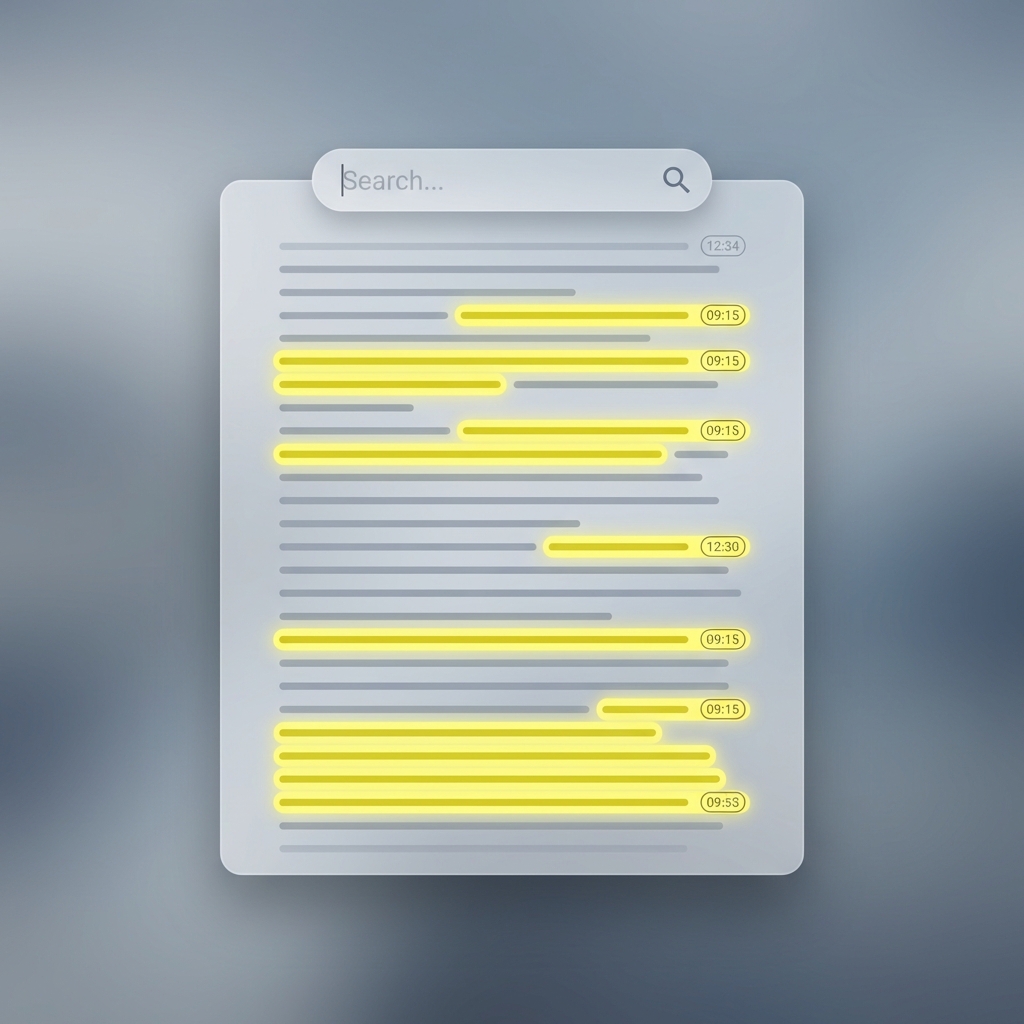
Use case: 3-hour interview transcript downloaded in 8 seconds, searched by keyword instead of scrubbing video
Pulling Quotes from Long Podcast Videos
Research a 3-hour interview on YouTube without watching the whole thing. Download the transcript, open in any text editor, and use Ctrl+F to search for exact topics, names, and keywords mentioned in the conversation.
Turn any long video into viral Shorts
ToolXP Clips uses AI to find the best moments, add captions, and export vertical clips. Free to start.
Tips for better YouTube Transcript Downloader results
Get the most out of YouTube Transcript Downloader with these practical tips from our team and power users.
Who uses YouTube Transcript Downloader
From solo creators to marketing teams, YouTube Transcript Downloader fits into every content workflow.
How YouTube Transcript Downloader compares
See why creators choose ToolXP over other options. We offer faster processing, better output quality, and zero cost — no strings attached.
Try it free| Feature | ToolXP | Tactiq.io | YouTube-Transcript.io |
|---|---|---|---|
| Price | Free | Free (5 transcripts/mo limit); Pro from $12/mo | Free (browser extension required for full features) |
| Signup required | |||
| AI-powered | |||
| Export quality | HD / 4K | Full transcript | Full transcript |
| Batch processing | |||
| Commercial use |
Want the full suite? Try ToolXP Clips
AI auto-clipping • Animated captions • 2K export • No watermark (Pro) • Starting free
What creators say
Real use cases from creators using YouTube Transcript Downloader in their workflow.
I repurpose YouTube videos into LinkedIn articles for three B2B clients weekly. Tactiq limits me to 5 transcripts per month on the free plan and then wants $12/mo. ToolXP gives me unlimited transcripts free, the paragraph grouping is clean enough to paste directly into Google Docs, and there's no signup wall.
I'm writing a literature review and reference a lot of YouTube lectures and documentary interviews. Downloading the transcripts here is the fastest way I've found to search them for specific claims and timestamps. Three-hour videos are handled completely — I've never hit a length limit.
Frequently asked questions
Everything you need to know about YouTube Transcript Downloader. If you have additional questions, reach out to our support team.
Contact supportMore tools
Explore our other free utilities designed for content creators.
Start using YouTube Transcript Downloader
Discover what's possible when AI meets your creativity.
Use YouTube Transcript Downloader
Download the full text transcript of any YouTube video in seconds — paste the URL, choose your forma… No signup required.
GoCreate viral Shorts with Clips
AI-powered long-to-shorts clipper. Auto-find best moments, add captions, export in vertical. Free to start.
Start clipping