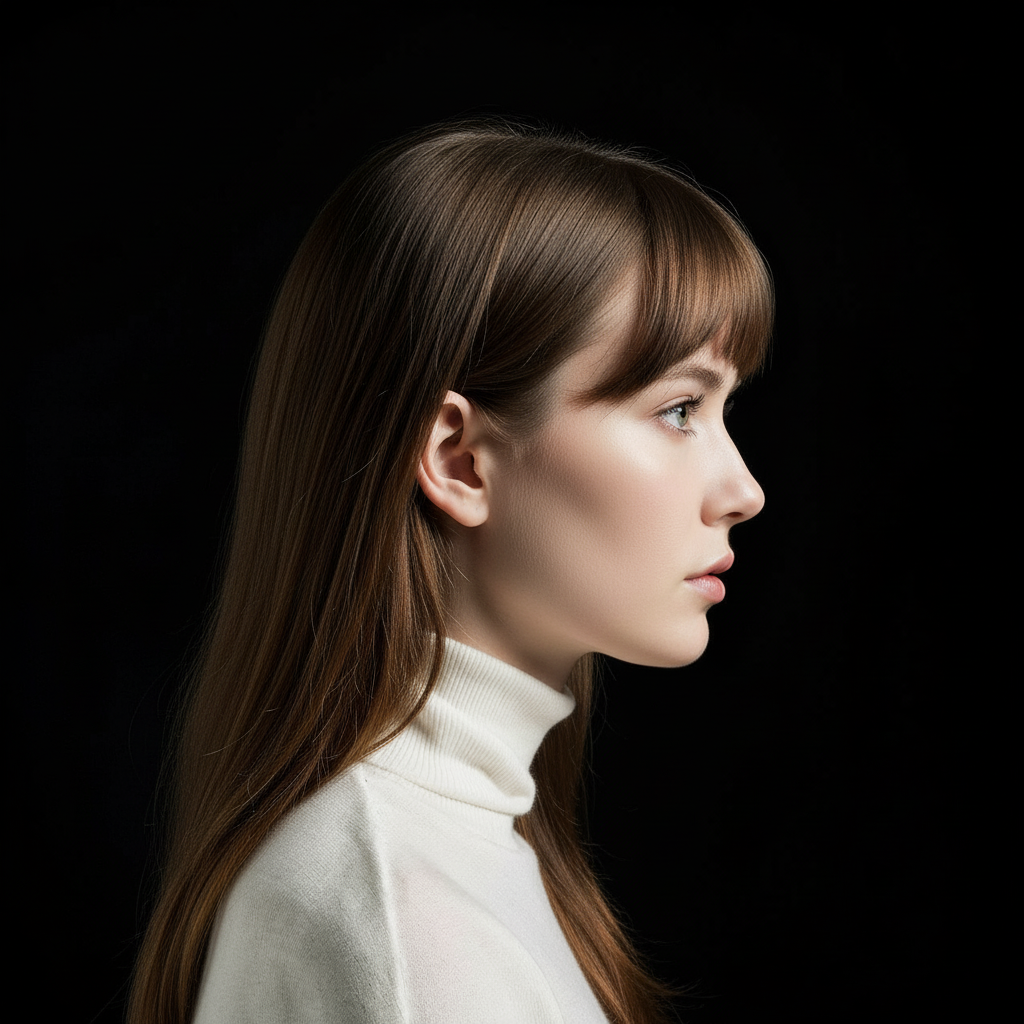
The design landscape is rapidly evolving, and AI tools are becoming essential for modern designers. These powerful tools can dramatically accelerate your workflow, enhance creativity, and help you deliver professional results faster than ever before.
1. AI Image Upscaler
Working with low-resolution images is a common challenge. AI upscalers use advanced machine learning to increase image resolution while maintaining quality. ToolXP's AI Upscaler can enhance images up to 4× their original size, perfect for when you need to enlarge client logos, product images, or stock photos without losing detail.
2. Background Remover
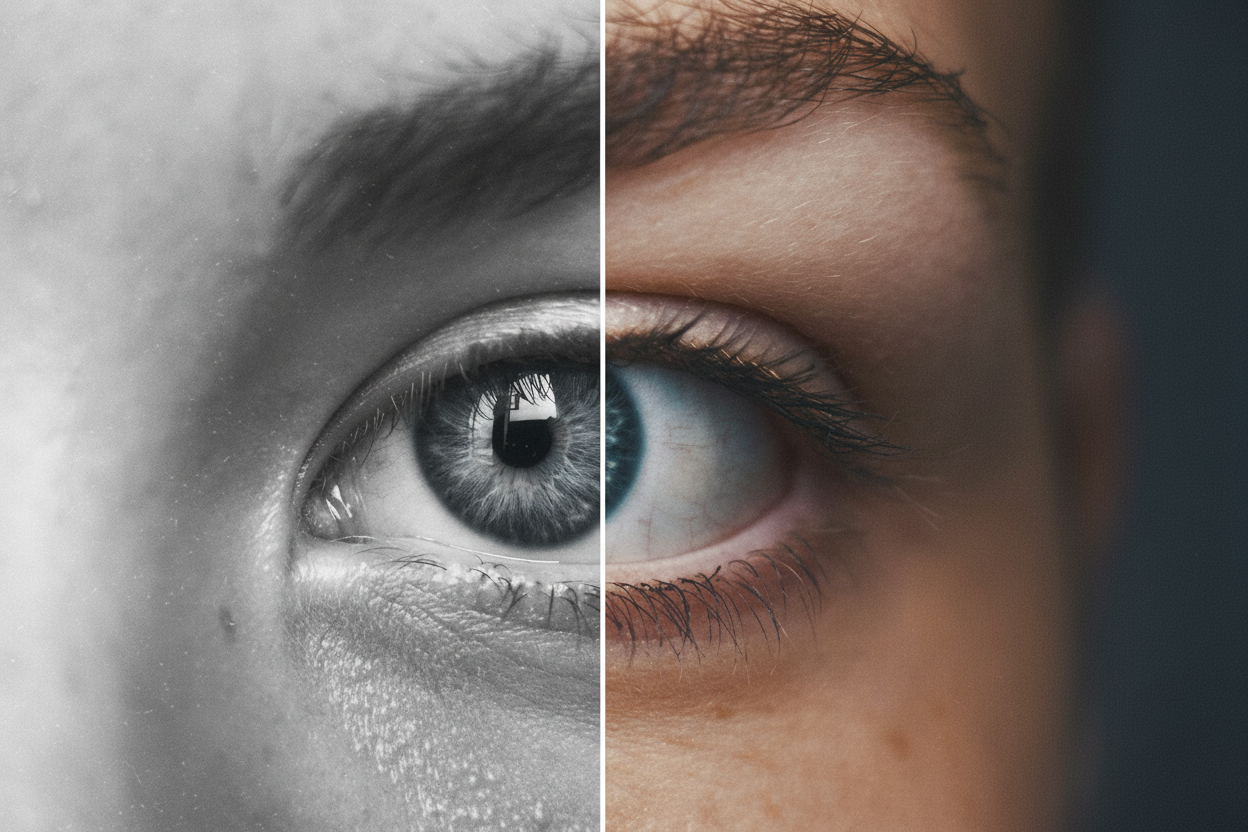
Manually removing backgrounds used to be a time-consuming task requiring precise selection tools. AI-powered background removers can now do this in seconds with incredible accuracy. Whether you're creating product mockups, social media graphics, or presentation materials, this tool will save you hours of work.
3. AI Image Enhancer
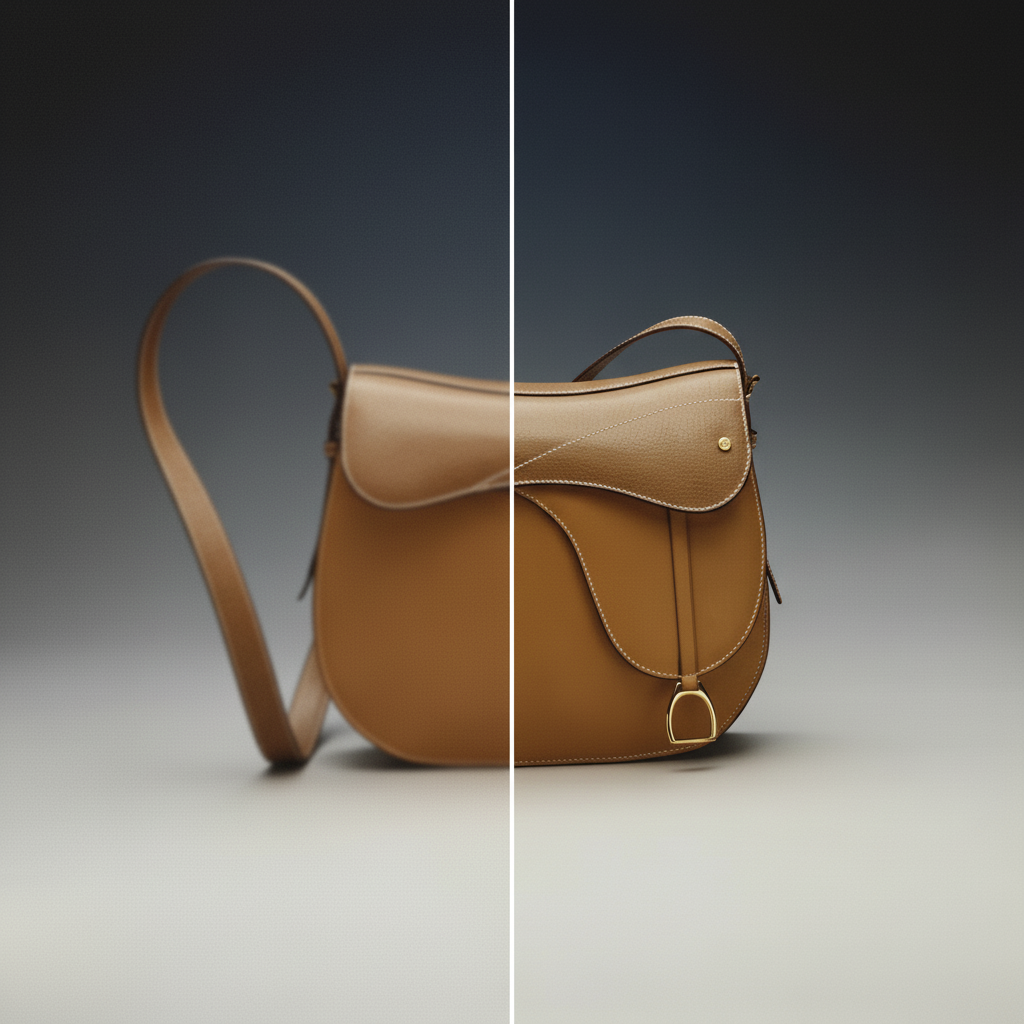
Sometimes you get images that need a little extra polish. AI enhancers can automatically improve color balance, sharpness, and overall image quality. This is especially useful for stock photos that need adjustment or client-provided images that aren't quite perfect.

4. Object Remover
Accidentally captured unwanted elements in your photos? AI object removers can intelligently erase unwanted objects while seamlessly filling in the background. This tool is perfect for cleaning up product photos, removing distractions, or fixing composition issues.

5. AI Recolor Tool
Experimenting with color schemes is a crucial part of design, but manually recoloring images can be tedious. AI recolor tools allow you to transform image palettes instantly, making it easy to create variations, match brand colors, or explore different moods and styles.
Why These Tools Matter
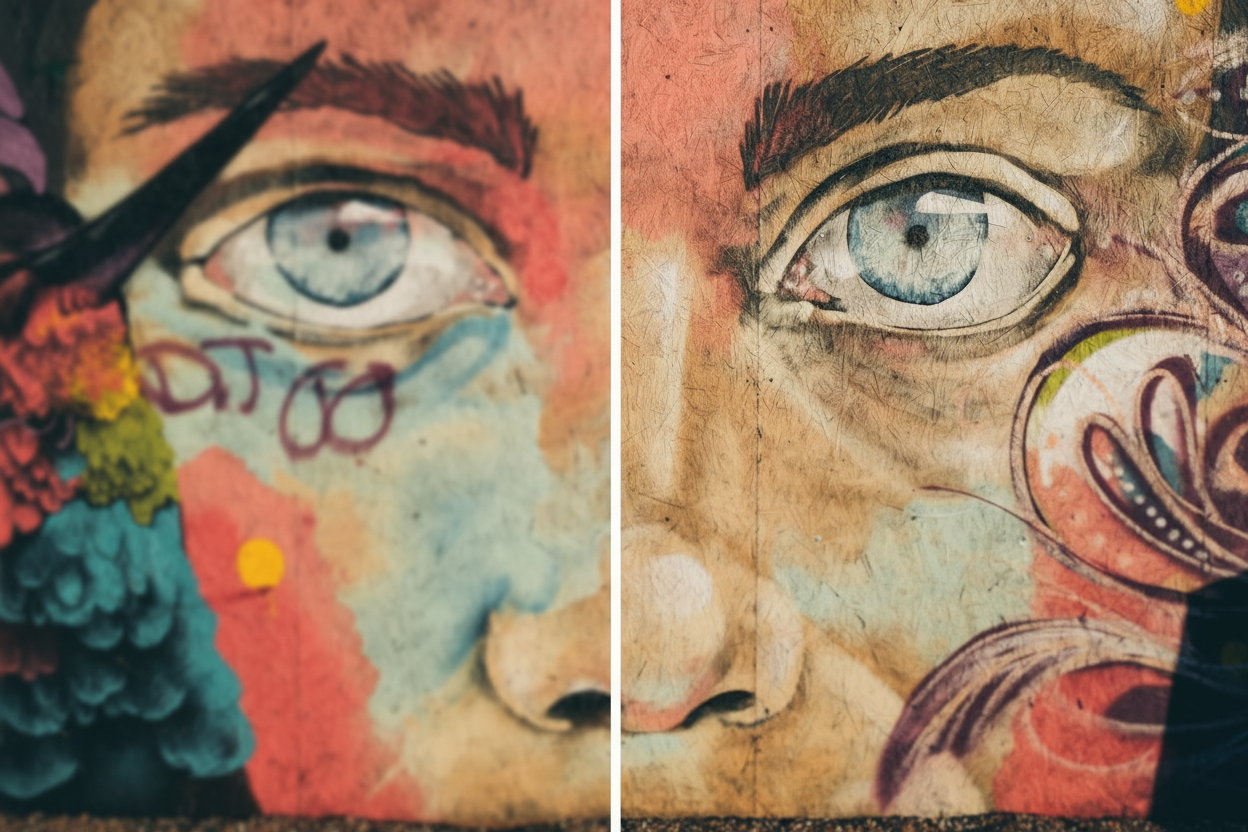
Incorporating AI tools into your design workflow doesn't replace creativity—it amplifies it. By automating repetitive tasks, you free up time to focus on the creative aspects of your work. These tools help you work faster, experiment more, and deliver better results to your clients.
Getting Started
The best part? Many of these tools are available right now at ToolXP, completely free to start. You don't need to be a technical expert—just upload your image and let AI do the heavy lifting. Try them out today and see how they can transform your design workflow.
Ready to Transform Your Workflow?
Experience the power of AI image editing with ToolXP. All tools are free to start, no sign-up required.
Try ToolXP Now